
Business connectivity
Business owners, office managers, and facilities teams who need dependable connectivity at a commercial site.
Starlink installation and set-up for offices, shops, clinics, and small commercial sites.

Overview
Plan for the actual environment
Offices and commercial premises have different needs from homes: more people on the link, a landlord or building manager to deal with, and a business that notices when connectivity drops. We start by understanding what the connection must carry, such as video calls, point-of-sale, cloud accounting, CCTV uplink, or a handful of staff on laptops, and where the equipment can sit so it has a clear sky view without being exposed to tampering. We then plan mounting, cable routes through ducts or ceilings where possible, router position, and how the network is shared across the floor. We do not publish uptime percentages or service-level promises on this page. If your business needs written commitments, we discuss that in the quote conversation rather than pretending a page can settle it.
Local mounting, access, and weather notes are published for confirmed service areas across Nigeria.
Fit and scope
Who this is for
- Offices and branches that need a primary or secondary internet path
- Shops, clinics, schools, and workshops outside reliable fibre coverage
- Sites where the roof belongs to a landlord and approvals have to be coordinated
- Teams that want a written quote before any work begins
What the service covers
- Conversation about site use, user count, and what the link must support
- Mount position and cable route suited to a commercial building
- Router placement and basic network layout for the working area
- On-site test and handover notes for the person who will own the link
Requirements and boundaries
What we typically need from you
- Site access and landlord or facilities approvals
- A named contact on the day of installation
- An active Starlink account suitable for the intended use, unless agreed otherwise
- Details of any existing network, firewall, or backup power already on site
Important limits
- No uptime or SLA figures are published here; any written terms are agreed per project
- Multi-site rollouts are confirmed location by location
- Plan type, usage limits, and speeds follow Starlink's own terms
- Managed network operations are separate from installation unless explicitly scoped
How it usually works
The final sequence is agreed around the site, access, equipment, and service scope.
- 1
Describe the site, number of users, and the tasks that depend on the link
- 2
Share photos or arrange a survey to confirm mounting and cable options
- 3
Receive a quote and agree scope, timing, and who attends
- 4
Install, test with your team, and record how the link is set up
Related services
Maritime and offshore
Starlink connectivity planning and installation support for vessels and offshore sites, with scope agreed per job.
View serviceBoat and houseboat installation
Flat high-performance mounting, cable routes, and power planning for boats and houseboats.
View serviceEnterprise and marine hub deployments
A deeper install path for offices, NGOs, vessels, and industrial camps that need documentation as well as a dish.
View service
Related products
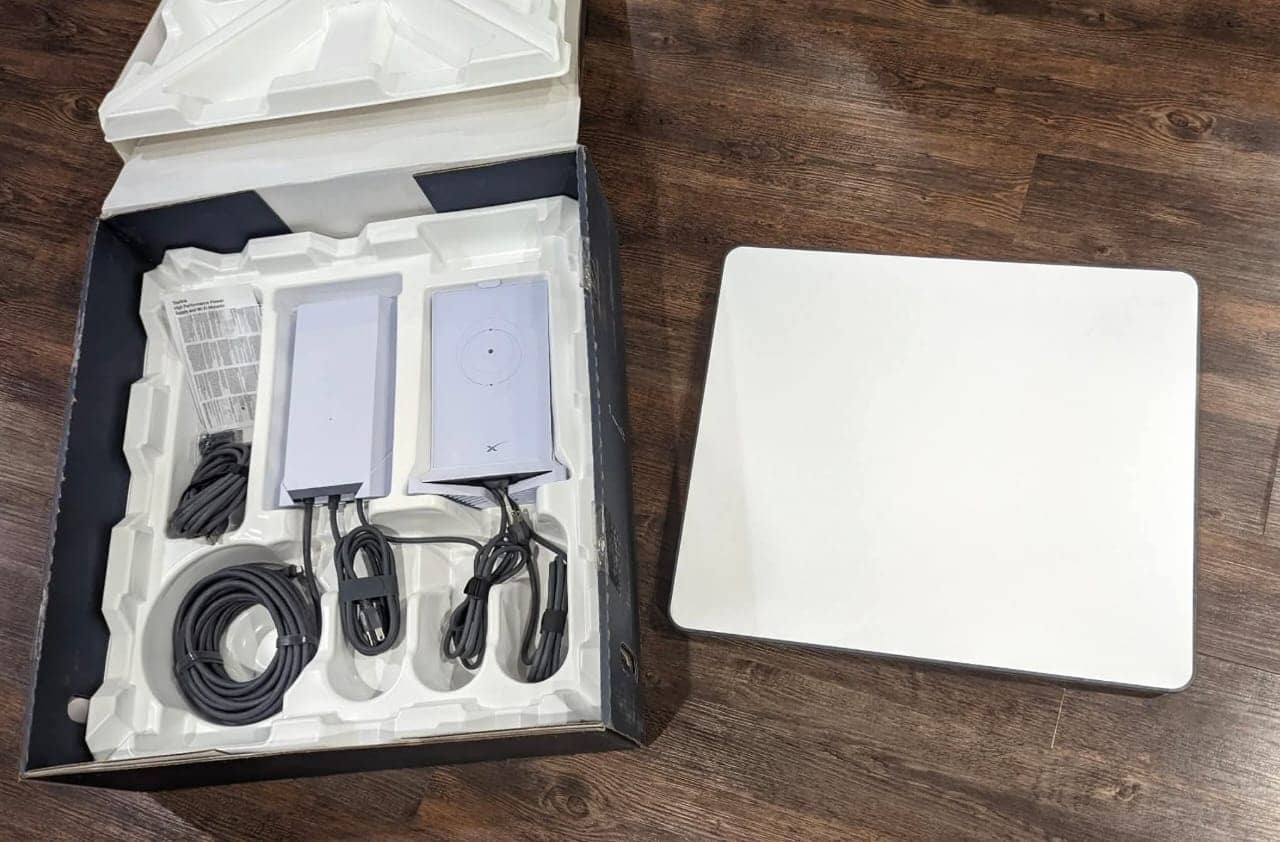
Starlink Flat High Performance kit
View product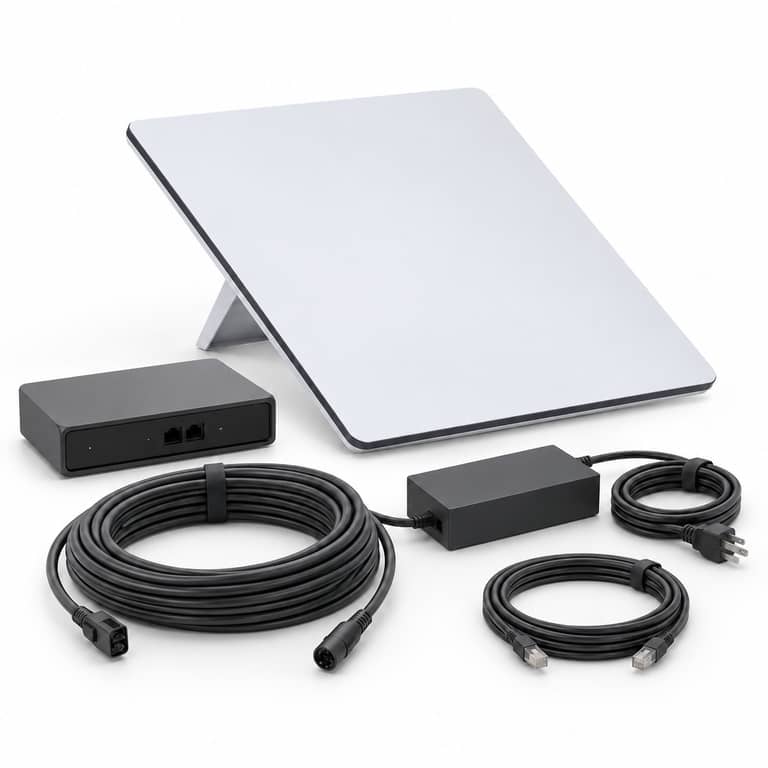
Starlink Gen3 v4 Standard Dish
View product


Questions about this service
Can Starlink be the only connection for an office?
It can be, but it depends on how critical the link is. Many businesses pair it with another connection or backup power, and we can discuss that during the quote conversation.
Do you handle several branches?
We can discuss it. Each location needs its own check of sky view and access, so scope and timing are confirmed branch by branch.
Is this a managed network service?
This service covers installation and setup around Starlink. Ongoing managed network operations are only offered when separately agreed.
Talk through business connectivity
Contact Skylink with the location, equipment, and requirement for business connectivity. Online form submission remains unavailable until delivery is configured.